Dexaloop › Morywise › A flashcard app for Android, and an Anki alternative in testing
Flashcard app for Android
A flashcard app for Android, and an Anki alternative in testing
The most used free flashcard app on Android is AnkiDroid, an open source Anki app built by volunteers. Morywise by Dexaloop is a newer choice: its Android version is in testing on Google Play, with FSRS-6 spaced repetition, AI cards from your pages and Anki deck import and export. Below is how to join the test.
By Dexaloop, the maker of Morywise · Updated
Which flashcard app should you use on Android?
Checked 21 November 2026
- AnkiDroid if you want a proven free app today. It is open source, rated 4.7 from about 169,000 reviews on Google Play, supports FSRS (from version 2.17) and syncs with Anki on your computer through AnkiWeb.
- Quizlet if you mostly use ready-made sets shared by classmates. Flashcards are free; Learn and Test are limited without Quizlet Plus, from US$35.99 a year on its upgrade page.
- Morywise if you want cards made for you from your own pages, with a simpler start. The Android version is in testing on Google Play, so join the test to try it.
AnkiDroid and Morywise for Android side by side
| What matters | AnkiDroid | Morywise for Android |
|---|---|---|
| Where to get it | Google Play, public | Google Play, closed test (join below) |
| Price | Free, open source | Nothing to install; nothing is sold in the test version |
| Scheduler | Anki's scheduler, FSRS as an option | FSRS-6 for every card |
| Anki decks | It is Anki: full collection | Opens and exports .apkg and .colpkg, with history and media |
| Card types | Every Anki note type | Question and answer, reverse, cloze, type the answer, hide parts of a picture, maths |
| AI card making | Not built in | From a PDF, a photo, pasted notes or a typed topic; one try of 10 cards |
| Sync | AnkiWeb, with computers, iPhone and the web | None yet; Android backup and Save a copy |
| Needs | See its Play listing | Android 8.0 or later |
What Morywise for Android does
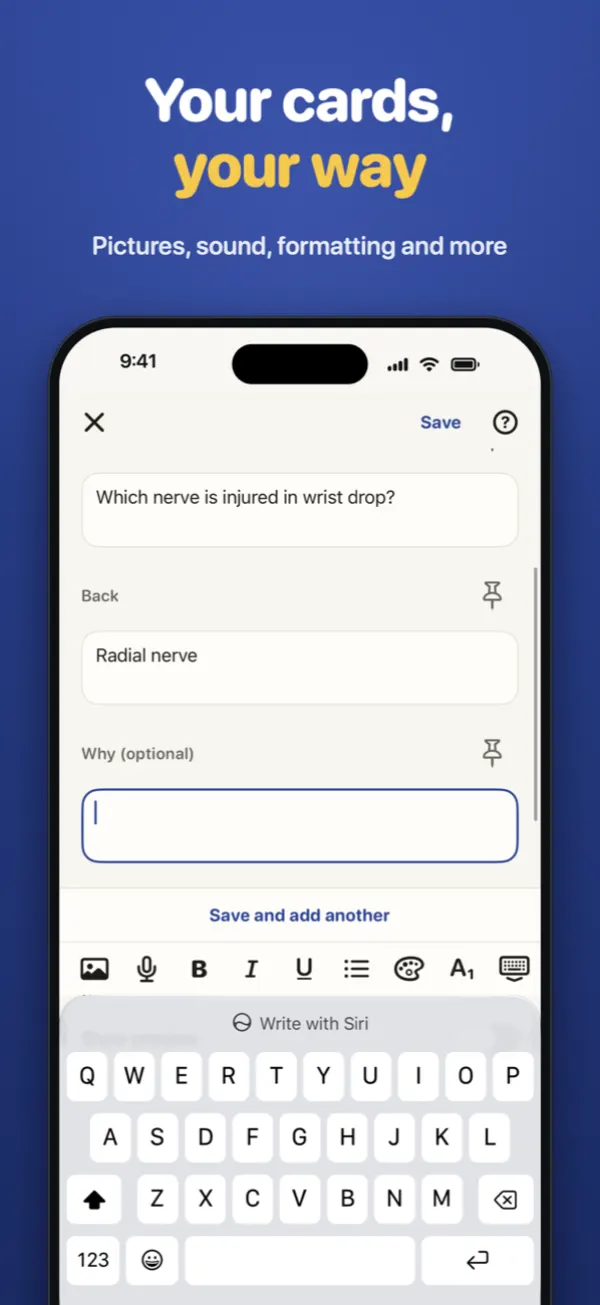
AI cards from your pages
Choose a PDF, take a photo of a page or paste notes, and get draft cards to keep, edit or drop. Text in photos is read on the phone, in English and Hindi for now.
FSRS-6 spaced repetition
The same scheduler as the iPhone app, checked against it review by review, brings each card back just before you would forget it.
Your Anki decks
Open .apkg and .colpkg files from Anki or AnkiDroid with their study history, and export them back at any time.
Calm study habit
Exam countdown, exam mode, a daily reminder, a weekly streak that bends instead of breaking, and Mory, the blue elephant. In 12 languages.
Not in the Android test yet: purchases, Pro, sign-in, sync and the home screen widget. These are on the iPhone app today.
How to join the Morywise for Android test
About two minutes
- Join the testers group with the Google account you use on your Android phone: groups.google.com/g/testgen-testers. This group is shared with Dexaloop's other apps in testing, so joining it also lets you opt in to those apps. Nothing is installed until you opt in to an app yourself.
- Opt in on Google Play: open play.google.com/apps/testing/com.mory.wise and tap Become a tester.
- Install Morywise from the Google Play link on that page.
- Keep it for 14 days if you can. Google asks for a group of testers over 14 days before an app can be released to everyone.
Testers' feedback goes straight to the developer, not to public reviews. Write to support@dexaloop.com with anything that breaks or confuses you.
When to stay with AnkiDroid
Stay with AnkiDroid if you sync with Anki on a computer every day, depend on custom note types or shared decks, or need a public, stable app today. It is a strong, free app, and Morywise does not replace AnkiWeb sync. If what you want is cards made from your notes and a simpler start, the Morywise test is a low-risk way to try it, because your decks go back to Anki with Export for Anki.
Questions people ask
Is Anki free on Android?
Yes. AnkiDroid is free and open source (GPL-3.0) on Google Play, made by the AnkiDroid Open Source Team of volunteers. It syncs with the free AnkiWeb service and with Anki on computers.
Is Morywise on Google Play?
Morywise for Android is in a closed test on Google Play, not yet public. Version 1.0.3 has been live for testers since 15 November 2026. Anyone who joins the testers group and opts in on Google Play can install it.
What can I do in the Android test version?
Study with FSRS-6, make every card type, import and export Anki decks, study the first 10 cards of each ready-made chapter, and try the AI card maker once with 10 cards from a typed topic. Purchases, Pro and sign-in are not in the Android version yet.
Can I move my AnkiDroid decks to Morywise?
Yes. Export a deck from AnkiDroid as an .apkg, or your collection as a .colpkg, then open it in Morywise. Due dates, study history, pictures and sounds come across. Export for Anki sends them back whenever you like.
Does Morywise sync between Android and iPhone?
Not yet. The Android version has no sync. You can save a copy on Android and restore it on an iPhone running Morywise, and Anki files move between both, but there is no live sync between the two.
Which Android version do I need?
Morywise for Android needs Android 8.0 or later on a phone.
Is AnkiDroid made by the Anki team?
Anki's download page lists AnkiDroid and says it is developed by contributors, separately from the Anki desktop and iPhone apps. Its own GitHub page describes it as a port of Anki for Android.
Sources and how we checked
We make Morywise, so read this page with that in mind. Facts about other apps come from their own pages and store listings, on the dates shown. Prices and features change; check the maker's page before you decide. Found something out of date? Email support@dexaloop.com and we will fix it.
- AnkiDroid on Google Play, checked 21 November 2026
- AnkiDroid on GitHub, checked 21 November 2026
- Anki downloads (desktop, AnkiWeb, AnkiDroid), checked 21 November 2026
- Anki manual: deck options (FSRS, AnkiDroid 2.17 and later), checked 21 November 2026
- Quizlet Help Center: studying on Quizlet, checked 21 November 2026
- Quizlet upgrade page (Plus prices), checked 21 November 2026
More about choosing a flashcard app
Try Morywise on your own notes.
Make your first deck from a PDF, a photo of a page or your notes, or bring in an Anki deck you already have.